
Your Read is on the Way
Every Story Matters
Every Story Matters
The Hydropower Boom in Africa: A Green Energy Revolution Africa is tapping into its immense hydropower potential, ushering in an era of renewable energy. With monumental projects like Ethiopia’s Grand Ethiopian Renaissance Dam (GERD) and the Inga Dams in the Democratic Republic of Congo, the continent is gearing up to address its energy demands sustainably while driving economic growth.
Northern Kenya is a region rich in resources, cultural diversity, and strategic trade potential, yet it remains underutilized in the national development agenda.

Can AI Help cure HIV AIDS in 2025

Why Ruiru is Almost Dominating Thika in 2025

Mathare Exposed! Discover Mathare-Nairobi through an immersive ground and aerial Tour- HD

Bullet Bras Evolution || Where did Bullet Bras go to?
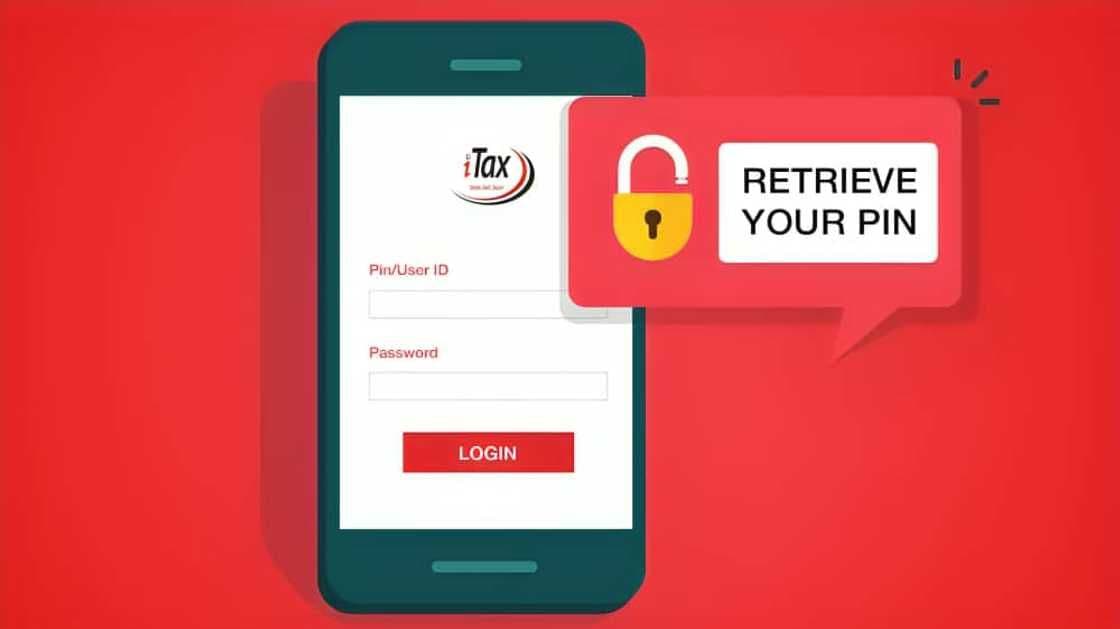
Your KRA iTax password gives you access to sensitive personal and tax information. Whether you’ve forgotten it, want to update it for security reasons, or are recovering from a suspected breach, knowing how to reset or change your password is essential for keeping your account protected and compliant.
There are two main scenarios:
1.You remember your password but want to change it.
2.You forgot your password and need to reset it.
Let’s go through both processes step by step.
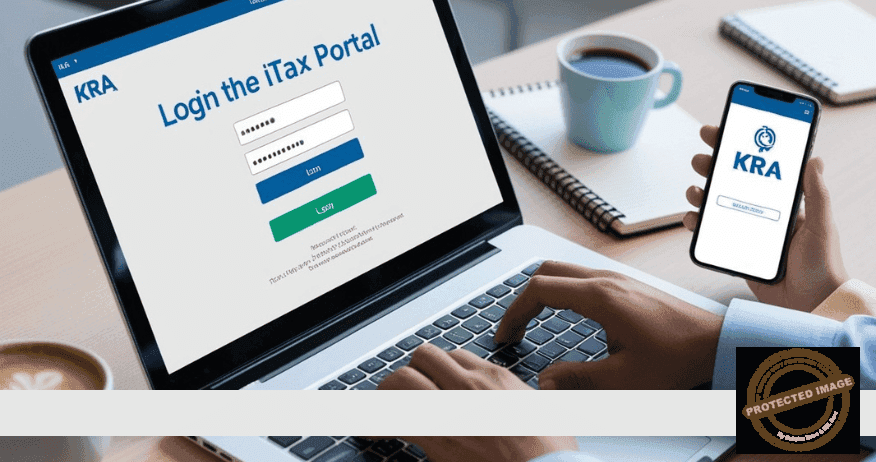
-Go to https://itax.kra.go.ke.
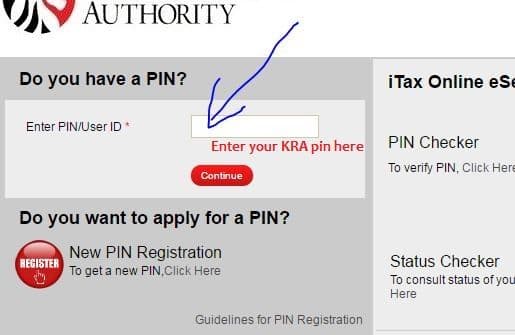
-Enter your KRA PIN and current password, solve the arithmetic question, and click “Login.”
-Once logged in, click on the drop-down arrow near your name or the Settings icon (depending on interface).
-Select “Change Password.”
-Enter your current password.
-Input your new password (minimum 8 characters, must include numbers, uppercase, lowercase, and a special character).
-Confirm the new password and click “Submit.”
Your password is now updated. Make sure to store it securely.
-Visit https://itax.kra.go.ke.
-Enter your KRA PIN, then click on “Forgot Password?”
-You’ll be prompted to confirm your registered email address or phone number.
-Once verified, a password reset link or a temporary password will be sent to your email.
-Use the temporary password to log in.
-The system will automatically prompt you to create a new password.
Follow the same password rules as before and complete the reset.
Your new iTax password must meet the following criteria:
-At least 8 characters long
-Include at least one uppercase letter
-Include at least one lowercase letter
-Include at least one number
-Include at least one special character (like @, #, %)
Avoid using obvious passwords like "Password123" or your name.
In this case, you’ll need to:
-Visit your nearest KRA office or Huduma Centre
-Carry your National ID and PIN Certificate
-Request an email update or account recovery assistance
Changing or resetting your KRA iTax password is a straightforward process that takes only a few minutes. Whether you’re being proactive or responding to a login issue, following the correct procedure ensures you stay in control of your tax affairs and avoid access interruptions.



0 comments